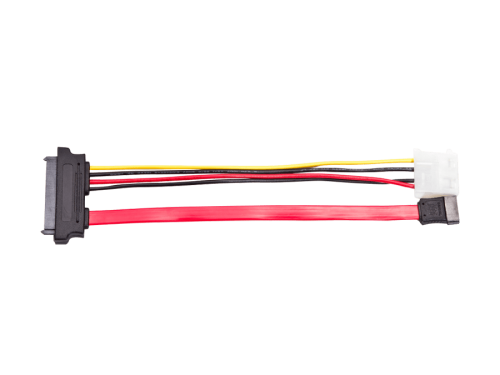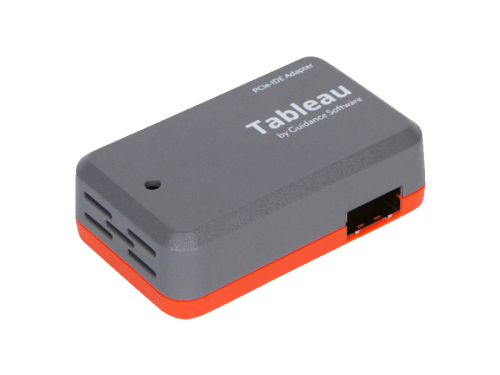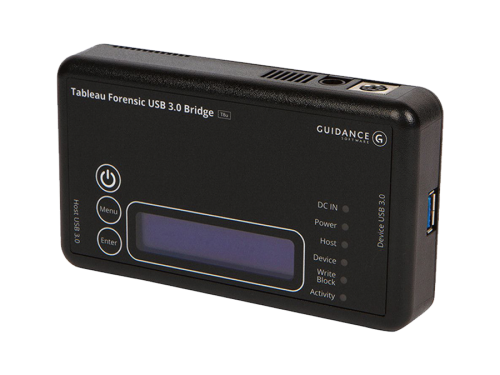
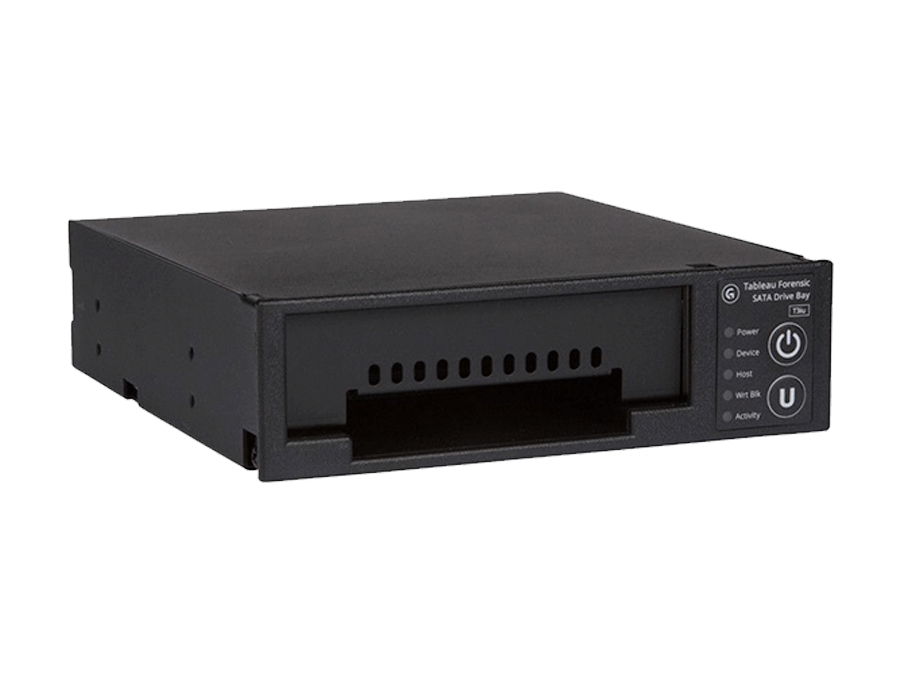
Tableau Forensic SATA Drive Bay Write Blocker
Price:
$379.00
Please note that there is a potential lead time of at least 2 weeks (14 days) for OpenText items. We appreciate your patience and understanding.
What is Tableau SATA Drive Bay T3iu Write Blocker?
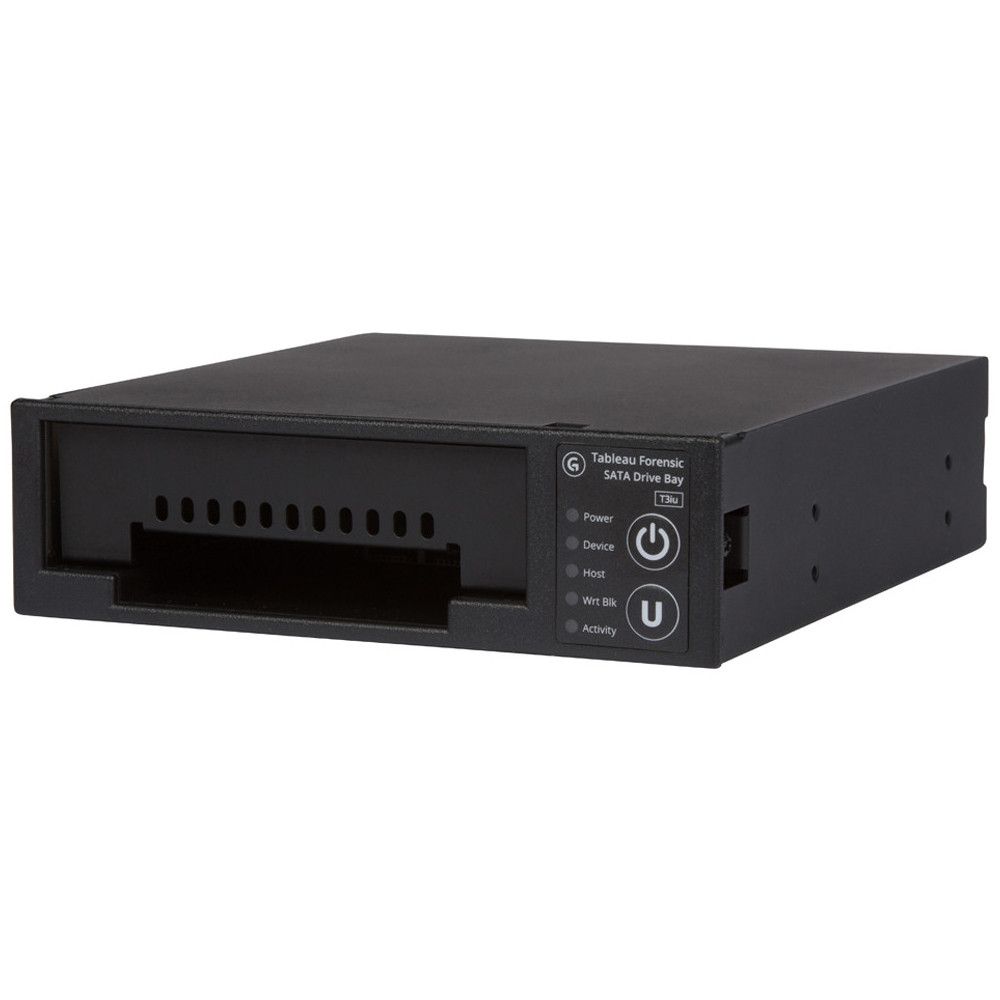
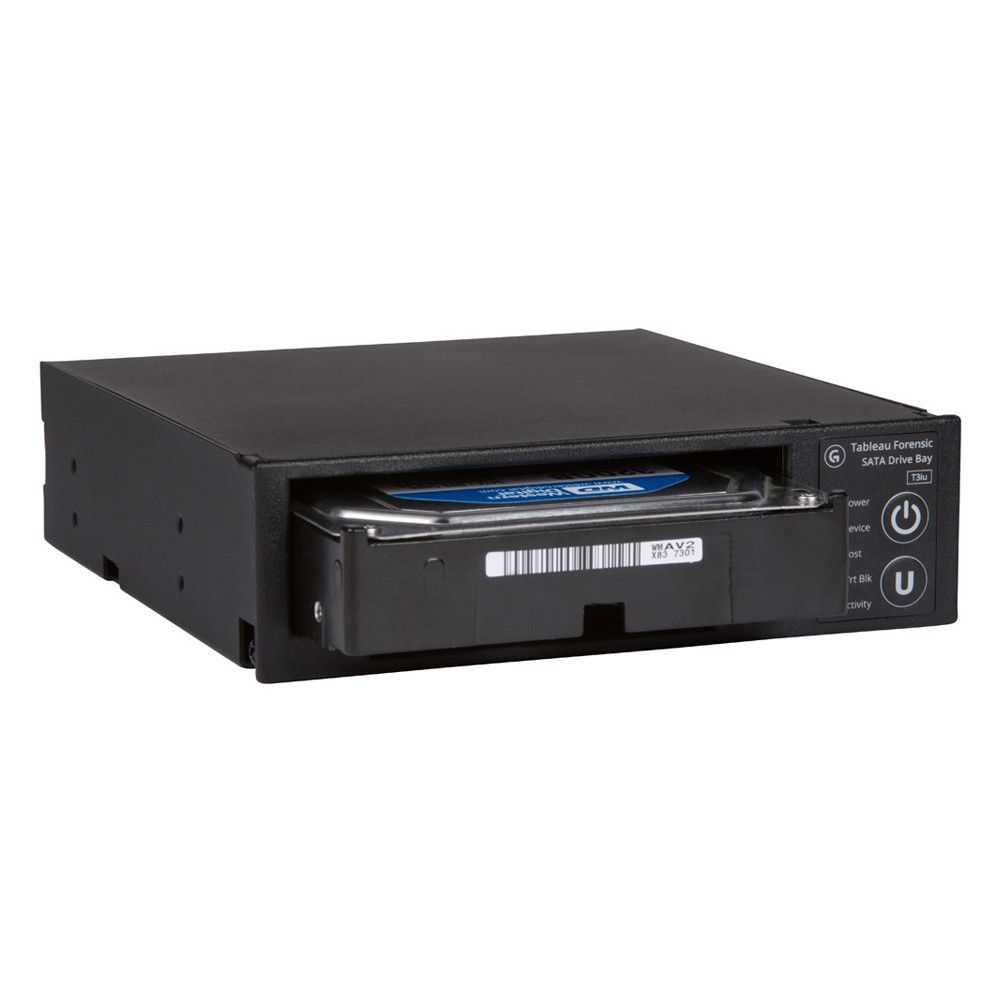
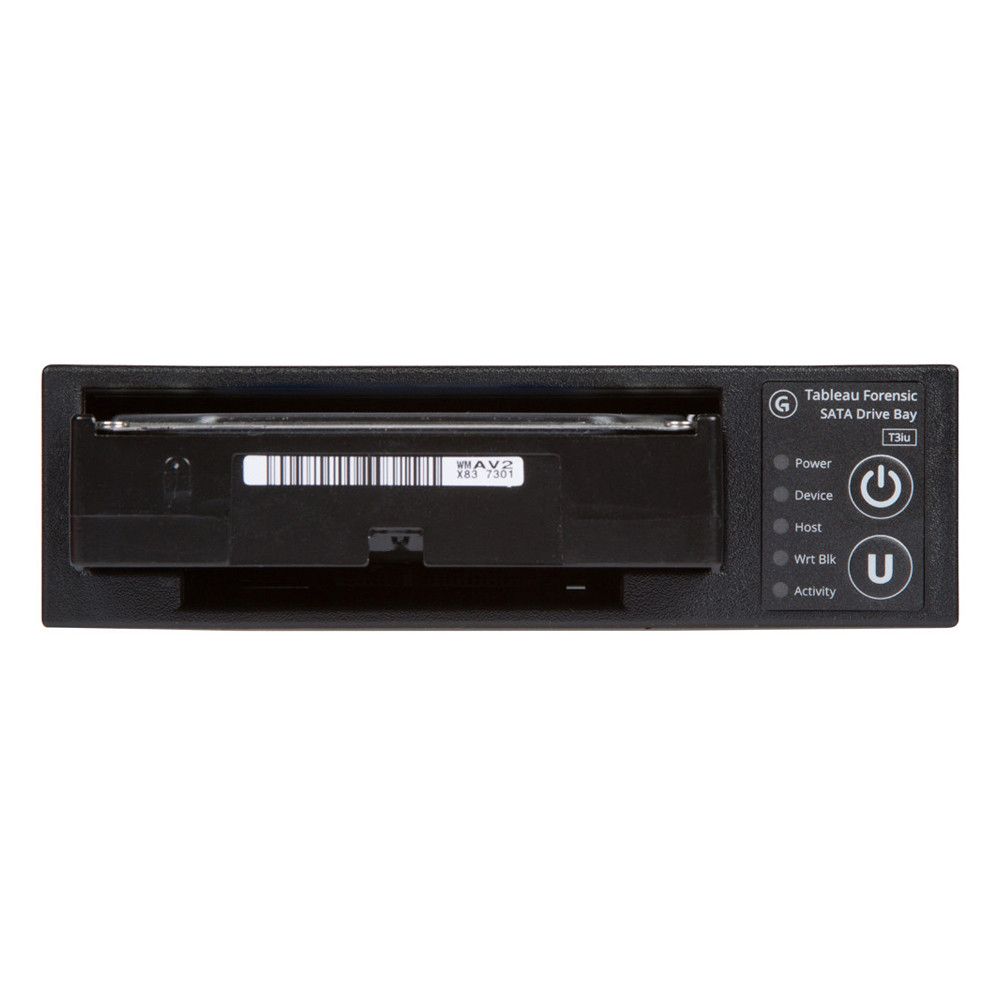
The Tableau SATA Drive Bay Write Blocker is an integrated write-blocker that mounts in a drive bay of a forensic workstation and supports forensic acquisitions of 3.5” and 2.5” SATA hard drives.
Help of this Product
The Tableau Forensic SATA Drive Bay T3iu is designed for forensic examiners who require a permanent, high-performance write blocker within their lab workstation. Unlike portable “bridge” units that clutter a desk, the T3iu mounts directly into a standard 3.5-inch drive bay, providing a clean and professional interface for imaging SATA and SAS evidence drives.
FEATURES of Tableau SATA Drive Bay T3iu Write Blocker
- Mounts in one 5.25” half-height drive bay
- USB 3.0 host computer connection
- Can double as a suspect drive cooler or drive tray for other storage media types
- Read/write mode capability via internal DIP switch
- Free Tableau firmware updates
Note
Online Purchases and Pricing are for the US only.
For International Purchases and Support Please Contact Us.
For International Purchases and Support Please Contact Us.
PRODUCT DESCRIPTION
| Connectors: Host Side (Rear) | |
|---|---|
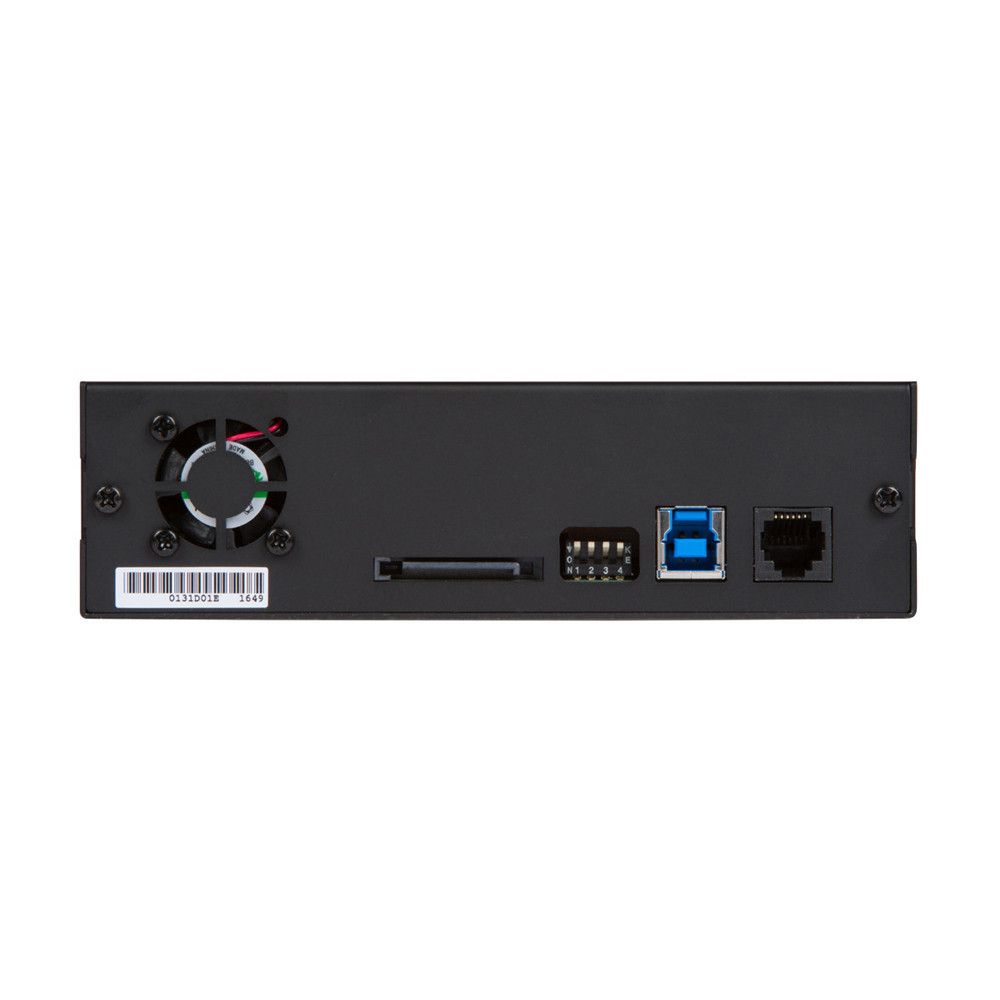
| USB 3.0 | One USB 3.0 Type B (9-pin) connector |
| DC Input | One 15-pin male SATA power connector for input DC power |
| Connectors: Device, Write-Blocked | |
| SATA | One SATA 3.5 in. slot with unified connector, and one SATA 2.5 in. slot with unified connector |
| Switches | |
| DIP Switch | The 4-position DIP switch (located on the rear of the unit) configures user-selectable options that aren’t required for normal operation. See the Forensic Bridge DIP Switch Configuration Guide for more information |
| Other Features | |
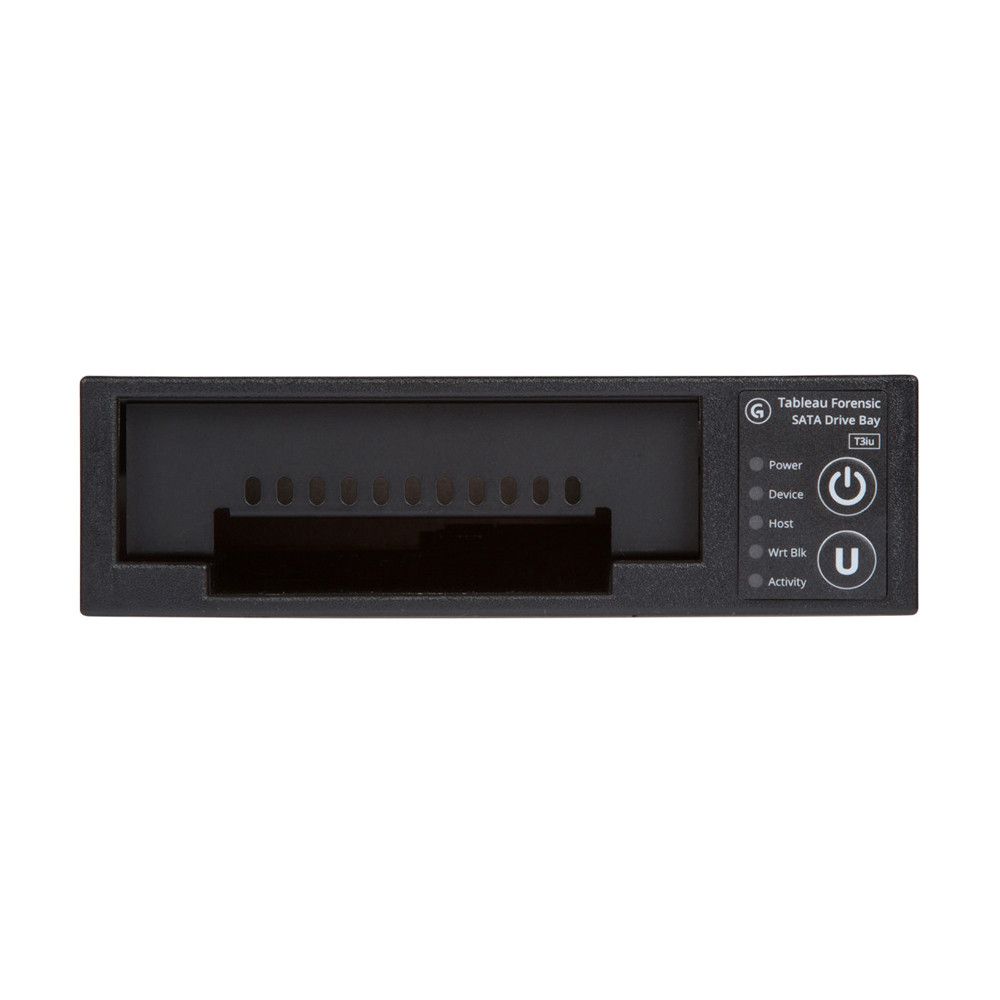
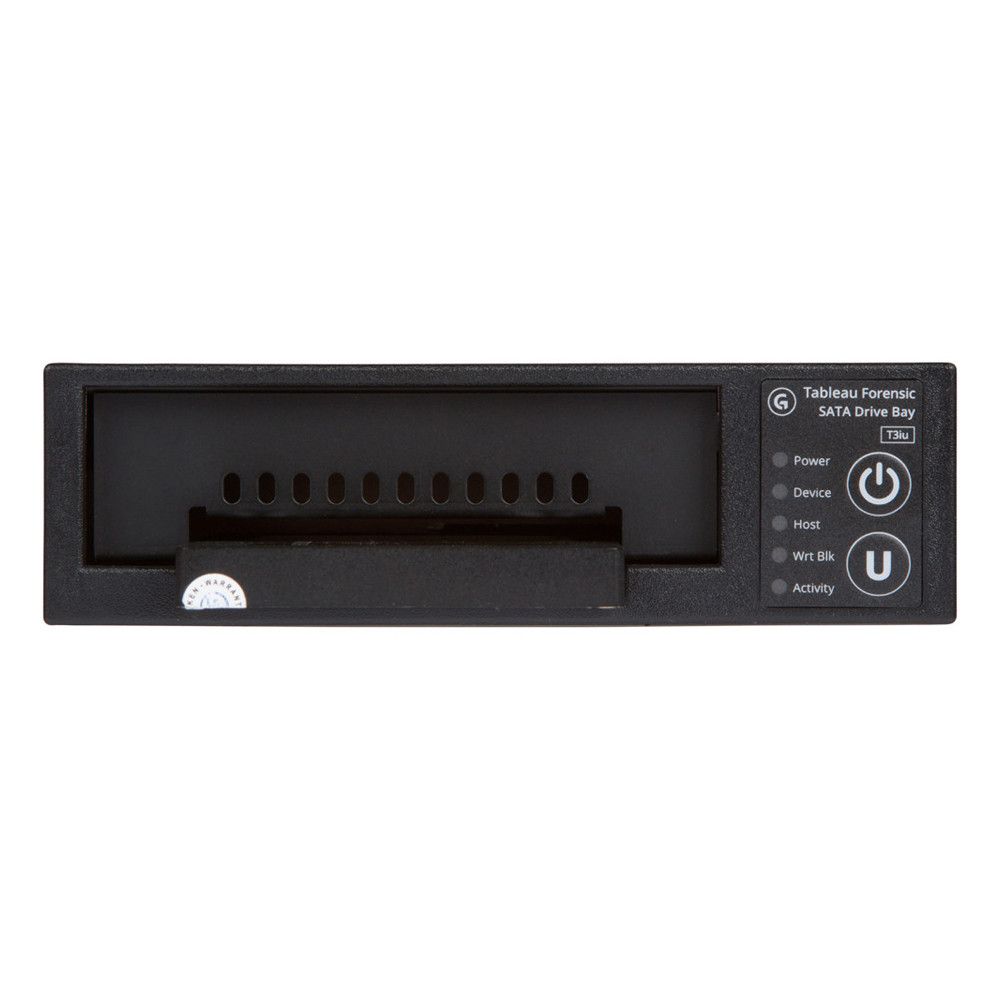
| Status LEDs | Five LEDs: Power, Device (detect), Host (detect), Wrt Block (enabled), Activity |
| Buttons | Two Buttons: ‘U’ update button used to set the T3iu in Firmware Update mode and a “Power” button |
| Compatibility | |
| SATA Devices | SATA 2.5″ or 3.5″ HDD or SSD devices that conform to standard dimensions |
| Host Interface | USB 3.0 (Note: For the best USB 3.0 performance, ensure the latest host controller driver and BIOS update are applied) |
| Host OS | Windows XP/Vista/7/8/Newer, Macintosh OS X, most Linux distributions (note: Linux distributions have varying levels and quality of support for USB 3.0) |
| Physical / Environmental | |
| Power | 2.5 watts typical operating (not including hard disk) |
| Supply Voltage (DC IN) | +5VDC @ 1.5A, +12VDC @ 1A (includes budget for hard disk) |
| Dimensions | 6.25 in. (L) x 5.75 in. (W) x 1.65 in. (H) |
| Weight | 1.50 lbs (24oz or 680g) |
| Operating Temperature Range | 0 to 55 degrees C |
| Storage Temperature Range | -40 to 70 degrees C |
| Relative Humidity | Up to 90% (non-condensing) |
FREQUENTLY ASKED QUESTIONS (FAQ)
Is the Tableau T3iu a permanent hardware write blocker?
Yes. The T3iu is a dedicated Forensic SATA Drive Bay Write Blocker meant for
internal installation in a workstation. It provides the same 100% hardware-based
write blocking protection as Tableau’s portable units but in a fixed form factor.
Does the T3iu support SAS drives?
Yes, the T3iu supports both SATA and SAS drives. This makes it a highly
versatile write blocker for forensic labs that encounter various server and desktop
storage media.
Can I use this write blocker for drive wiping?
Yes. While it is a forensic write blocker by default, the T3iu can be configured
for Read-Write operation using the internal DIP switches. This allows lab
technicians to use the bay for sanitizing drives when not performing an evidentiary
acquisition.
What size drive bay is required for the Tableau T3iu?
The T3iu is designed to fit into a standard 3.5-inch front-panel drive bay. It
connects to the workstation via a standard SATA power connector and an internal
USB 3.0 header.
Does it work with all forensic imaging software?
Absolutely. Because it is a hardware write blocker, the OS recognizes the
attached evidence drive as a read-only device. It is fully compatible with Magnet
AXIOM, EnCase, FTK, and SUMURI’s own PALADIN.
Can I use the Tableau T3iu for hot-swapping drives?
Yes. The Tableau T3iu is designed with advanced USB 3.0 hot-swap
capabilities. This allows forensic examiners to insert or remove 2.5″ or 3.5″ SATA
drives without having to reboot the entire workstation, significantly speeding up
the imaging workflow in high-volume labs.
How fast is the data transfer on the Tableau T3iu?
The T3iu supports imaging speeds exceeding 16 GB/minute (over 260 MB/s)
when used with high-performance SSDs and optimized forensic software like
PALADIN or EnCase. Because it uses an internal USB 3.0 header, it eliminates the
bottlenecks often found in older eSATA or USB 2.0 write blockers.
Does the Tableau T3iu require SATA cables for the evidence drive?
No. One of the primary benefits of this Forensic SATA Drive Bay is the
integrated unified connector. The evidence drive slides directly into the bay and
docks with the internal connector, eliminating the need for messy signal or power
cables and reducing the risk of connection failure during imaging.
What is the difference between the Tableau T3iu and the T35u?
The T35u is a portable, external bridge used for field work, while the T3iu is an
internal write blocker designed to be mounted permanently in a workstation’s
5.25″ half-height drive bay. The T3iu is the better choice for building a dedicated
forensic lab computer.
Does the T3iu work with both 2.5" and 3.5" SATA drives?
Yes. The T3iu features dedicated slots for both standard 3.5″ desktop hard
drives and 2.5″ laptop HDDs or SSDs. This makes it a universal SATA write
blocker solution for almost any SATA-based evidence you encounter.
Can I install multiple T3iu units in one forensic workstation?
Absolutely. Because the T3iu connects via a standard internal USB 3.0 header,
you can install as many units as your motherboard headers and drive bays allow.
This is a common strategy for forensic labs looking to image multiple SATA drives
simultaneously to clear backlogs.
How do I update the firmware on my T3iu write blocker?
Firmware updates are easily applied using the Tableau Firmware Update
(TFU) utility via the host USB connection. The T3iu also includes a dedicated “U”
(Update) button on the front panel to ensure the device is safely placed in update
mode.
What type of drive bay is required to install the Tableau T3iu?
The device fits into a 5.25-inch half-height drive bay, which is common in forensic workstations.
Who should consider using the Tableau T3iu?
The Tableau T3iu is ideal for:
- Digital forensics students
- Beginner forensic investigators
- Law enforcement agencies
- Forensic labs handling SATA drive imaging