Tableau Forensic PCIe Bridge T7u – Professional Write Blocker
Price:
$547.00
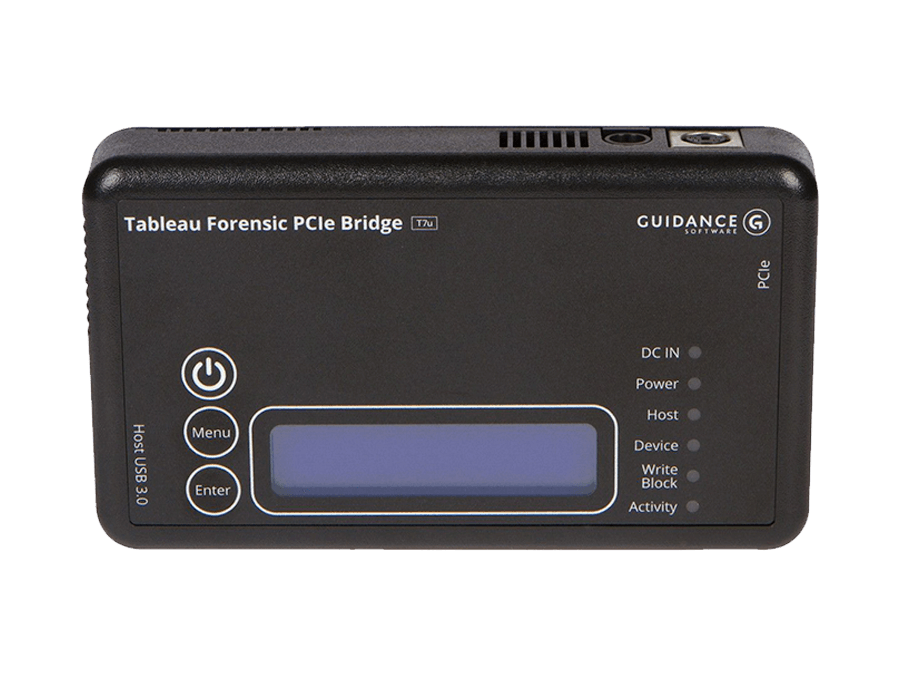
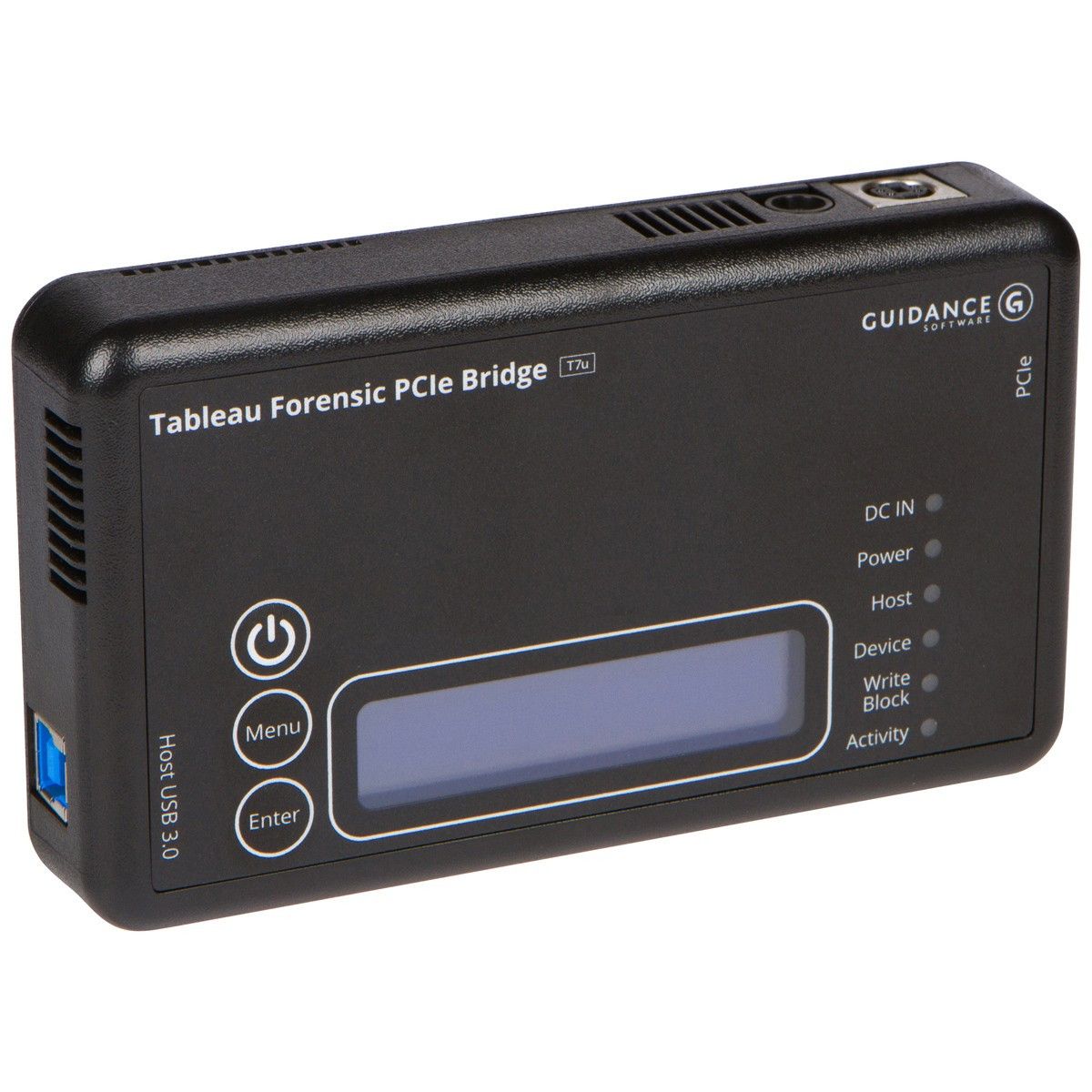
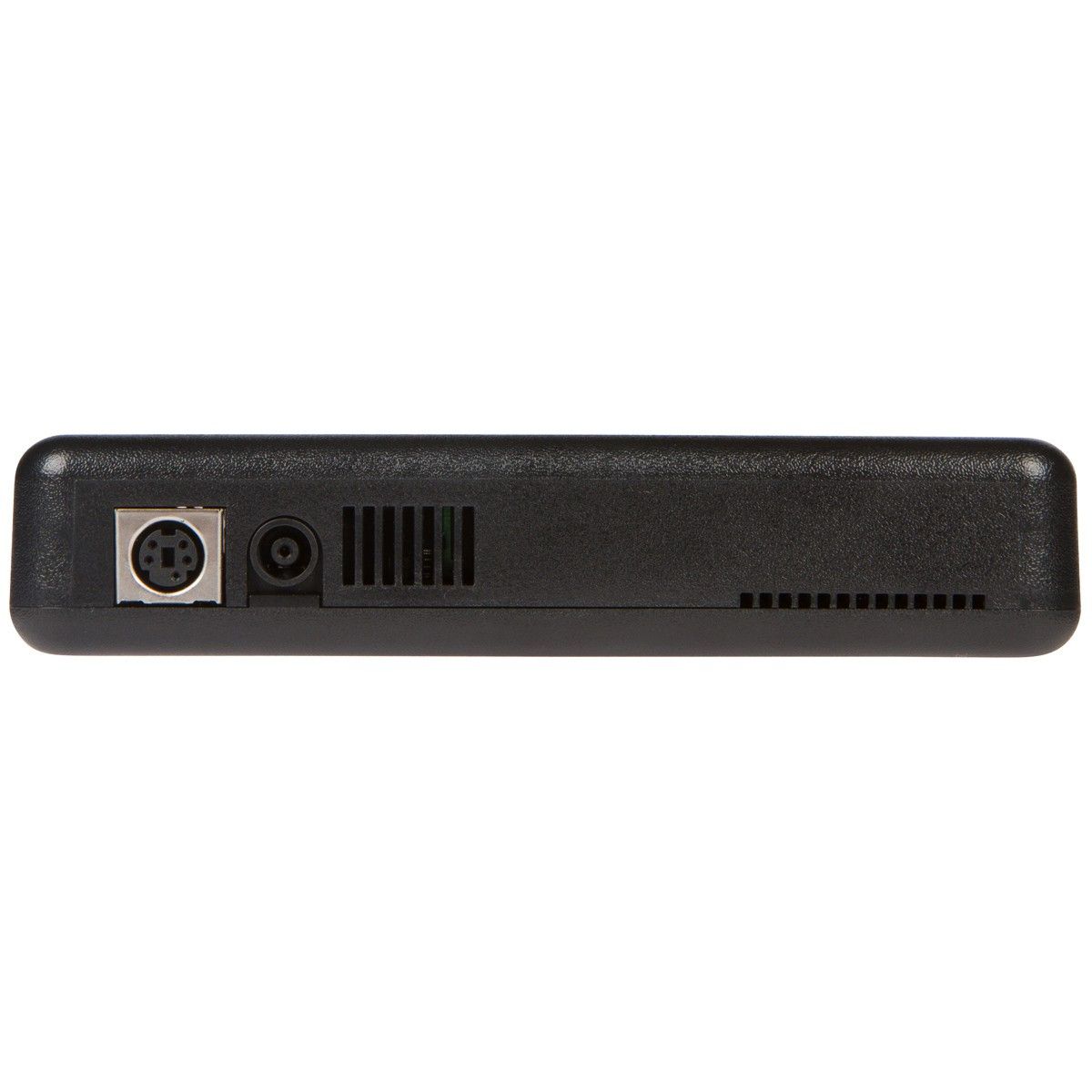
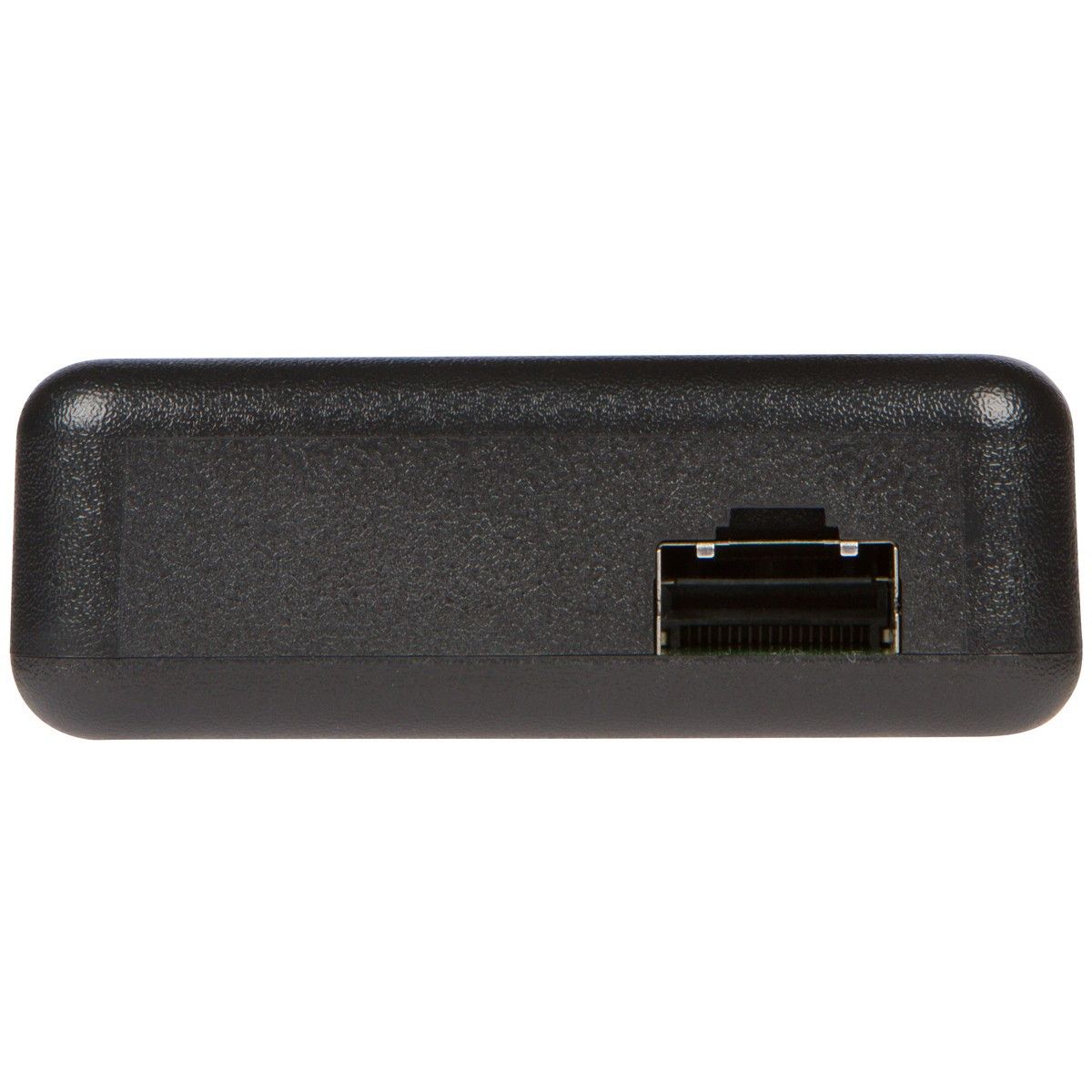
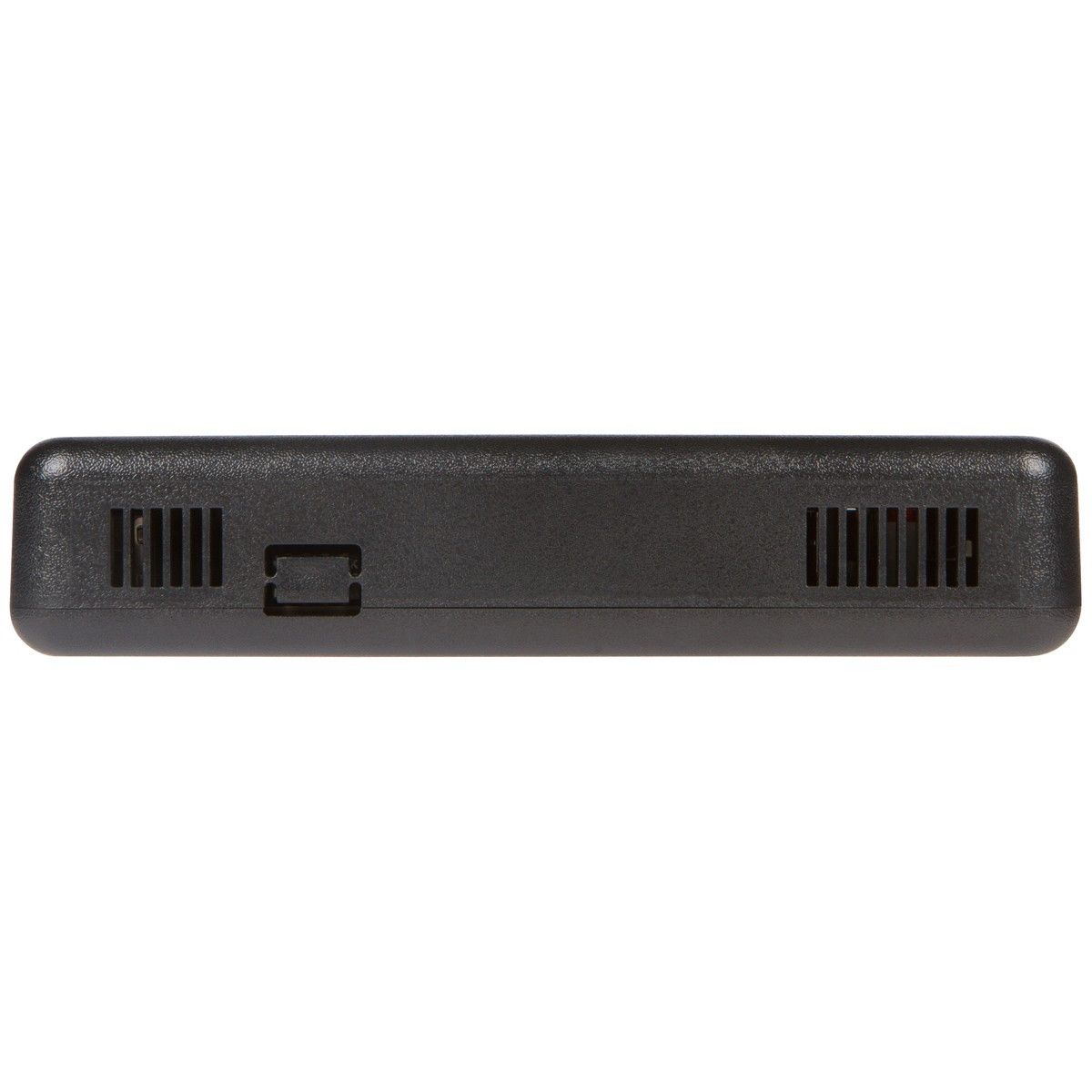
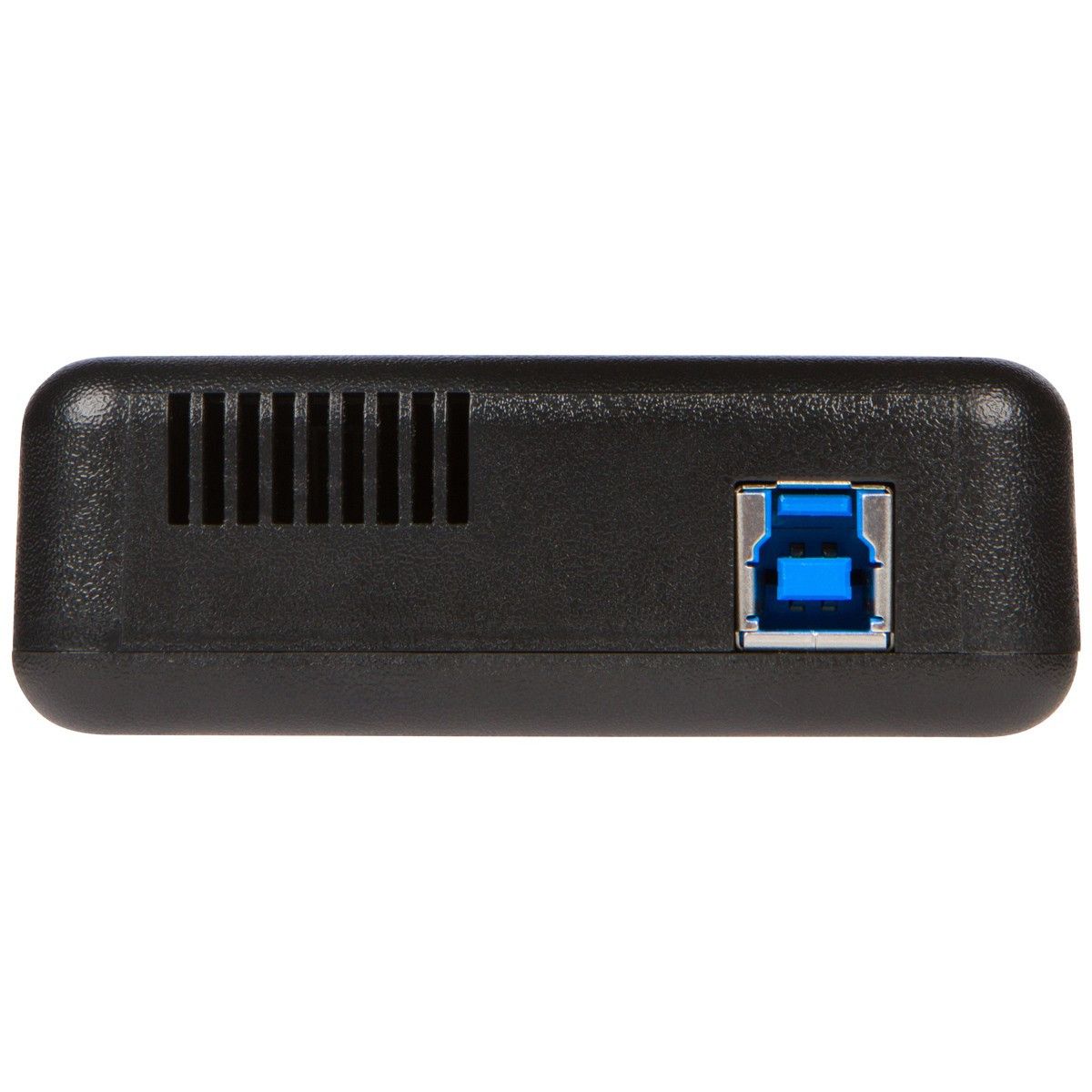
The Tableau Forensic PCIe Bridge T7u is a professional-grade write blocker designed for secure, read-only acquisition of PCIe solid-state drives. With transfer speeds up to 330 MB/s via USB 3.0, the T7u enables digital forensics investigators to image M.2 NVMe and PCIe SSDs without altering original evidence.
Key Benefits:
- ✅ Hardware-based write blocking ensures forensic integrity
- ✅ Compatible with PCIe Gen 1, 2, and 3 SSDs (x1, x2, x4 lanes)
- ✅ Plug-and-play USB 3.0 connectivity (no drivers required)
- ✅ Supports NVMe, AHCI, and legacy PCIe storage protocols
- ✅ Includes Tableau Forensic Bridge (TFB) software for monitoring
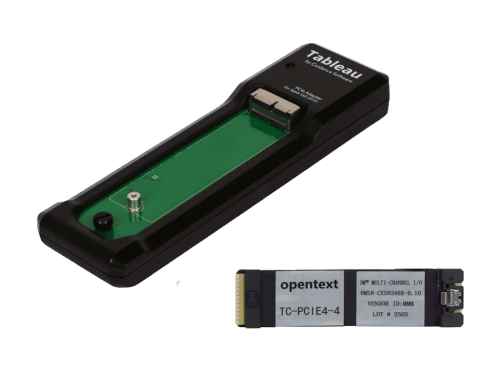
NOTE: The Tableau Forensic PCIe Bridge must be used in combination with one of the Tableau PCIe Adapters: Tableau PCIe Card SSD Adapter, Tableau PCIe M.2 SSD Adapter, or Tableau PCIe Adapter for Apple SSD
For International Purchases and Support Please Contact Us.
PRODUCT DESCRIPTION
| Connectors: | ||
|---|---|---|
| Host (Left) Side | USB 3.0 | One USB 3.0 Standard-B connector |
| Device (Right) Side | PCIe | One Proprietary PCIe connector |
| Top Side | DC Input | One 5-pin Mini-DIN connector for the Tableau TP2 power supply, and one bayonet connector for the Tableau TP5 power supply. |
| Switches | |
|---|---|
| DIP Switch | The 4-position DIP switch configures user-selectable options that are not required for normal operation. See the T7u Quick Reference Guide for more information |
| User Interface | |
|---|---|
| LCD | 2 Row x 16 Column monochrome LCD character display with LED backlight |
| Buttons | Three buttons: “Menu” and “Enter” buttons for navigation, plus an “On/Off” button to control the power |
| Other Features | |
|---|---|
| Status LEDs | Six LEDs: DC IN, Power, Host (detect), Device (detect), Wrt Block (enabled), Activity |
| Compatibility | |
|---|---|
| PCIe Device | PCIe devices that comply with the AHCI standard or NVMe 1.0 specification are supported by the TDA7 family of PCIe adapters |
| Host OS | Microsoft Windows version 7, 8, 10 |
| Macintosh OS X | |
| Most modern Linux distributions (Note: Linux distributions have varying levels and quality of support for USB 3.0) |
| Physical / Environmental | |
|---|---|
| Power | 12 watts typical operating (not including PCIe device or TDA7-family adapter) |
| Supply Voltage (DC IN) | +5V @ 0.35A (max), +12V @ 0.25A (max) when powered using a Tableau TP2 power supply |
| +12V @ 0.4A (max) when using a Tableau TP5 power supply | |
| Output Voltage (DC OUT) | +12VDC @ 2.0A (max) |
| Dimensions | 5.625 in. (L) x 3.25 in. (W) x 1.125 in. (H) |
| Weight | 7.2oz (204g) |
| Operating Temperature Range | 0 to 55 degrees C (no airflow) |
| Storage Temperature Range | -20 to 60 degrees C |
| Relative Humidity | Up to 90% (non-condensing) |
Why Choose the Tableau T7u PCIe Write Blocker?
The T7u is engineered for incident response teams, law enforcement agencies, and corporate forensic labs requiring tamper-proof evidence acquisition. Unlike software-based solutions, the T7u provides hardware-enforced write protection that cannot be bypassed by malware or operating system vulnerabilities.
Forensic Applications
- Data Breach Investigations: Acquire compromised SSDs from servers and workstations
- Malware Analysis: Image infected PCIe drives for sandbox testing
- eDiscovery: Preserve electronic evidence for legal proceedings
- Incident Response: Rapid on-site acquisition of NVMe storage
Technical Superiority
The device supports PCIe lane widths from x1 to x4, automatically negotiating with the target SSD for optimal performance. The T7u’s firmware-level write blocking operates independently of the host operating system, making it compatible with Windows, macOS, and Linux forensic workstations.
What’s Included
- Tableau T7u PCIe Bridge unit
- USB 3.0 Type-B cable (3 ft)
- PCIe slot adapter bracket
- Tableau Forensic Bridge software license
- Quick start guide and warranty documentation
FREQUENTLY ASKED QUESTIONS (FAQ)
What is a PCIe write blocker?
How fast is the Tableau T7u write blocker?
Is the T7u compatible with NVMe SSDs?
What operating systems work with the Tableau T7u?
- Windows (7, 8, 10, 11, Server editions)
- macOS (10.12+)
- Linux (kernel 3.x and newer)
Can the T7u write block-encrypted PCIe drives?
What's the difference between the T7u and T8u?
- T7u: PCIe to USB 3.0 (330 MB/s max)
- T8u: PCIe to USB 3.1 Gen 2 (800 MB/s max)