

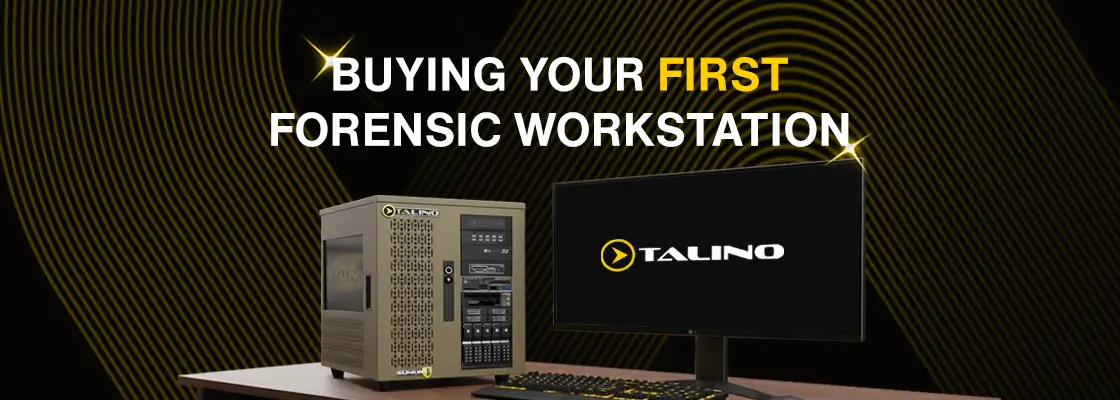
Buying your first forensic workstation, or planning the replacement of an older system, is a major decision for any examiner. It is easy to get caught up in specs, core counts, and marketing language, but forensic workloads behave very differently from gaming, video editing, or general IT use.
Forensic workstations must deliver sustained, predictable performance across many tools, large datasets, and long processing jobs. A system that looks powerful on paper can still underperform if it is not designed around how forensic software actually works. This article is intended to help first-time buyers, and those planning their next upgrade, understand what really matters.
Off-the-Shelf vs. Purpose-Built Forensic Systems
Off-the-shelf workstations are appealing because they are easy to purchase and easy to justify. They are designed for general-purpose workloads such as content creation, engineering, or enterprise IT.
Forensic work places very different demands on hardware. Processing jobs often run for hours or days. Multiple tools may run concurrently. Storage I O patterns are unpredictable. Thermal throttling, component quality, and internal layout matter far more than peak benchmark scores.
Purpose-built forensic workstations are designed around workflow rather than marketing specs. They emphasize sustained performance, internal expandability, proper cooling, and storage layouts that support forensic analysis. The difference may not be obvious on day one, but it becomes clear during real casework.
Let Forensic Software Drive the Hardware
One of the most common mistakes first-time buyers make is assuming that forensic software has uniform hardware requirements. It does not. Some forensic tools are heavily CPU-bound and benefit from higher core counts, larger cache sizes, and sustained clock speeds. Others are designed to leverage GPU acceleration for specific tasks such as password recovery, multimedia analysis, or newer AI-assisted workflows. Some tools scale efficiently with RAM, while others have hard limits or architecture-specific constraints.
There are also software-specific considerations. Certain tools perform best on particular CPU families. Some impose limits on RAM usage or require specific instruction sets. Others benefit greatly from fast temporary storage or large CPU caches. Hardware selection should always begin with the software you actually use, not generic assumptions about performance.
Intel vs. AMD vs. Dual-CPU Systems
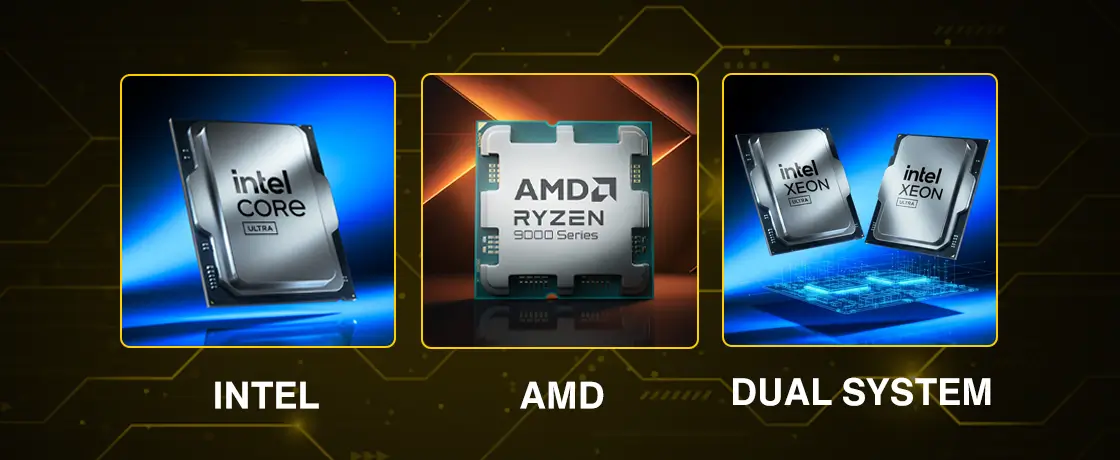
No single platform is universally best for forensic work. Intel platforms are often chosen for broad compatibility and strong single-thread performance. Many forensic tools are developed and validated primarily on Intel systems, which can reduce unexpected edge cases and performance anomalies.
AMD platforms excel in multi-core performance and memory bandwidth. For heavily parallel workloads such as hashing, carving, or large-scale indexing, AMD systems can provide excellent performance per dollar.
Dual-CPU systems, such as dual Xeon platforms, serve a specific role. They are well suited for workflows that require extremely large memory capacities, multiple concurrent processing jobs, or lab-style environments. However, not all forensic software scales efficiently across multiple CPUs, and NUMA behavior can negatively impact some tools. These systems should be selected deliberately and with a clear understanding of the workload.
GPUs: Power with a Purpose
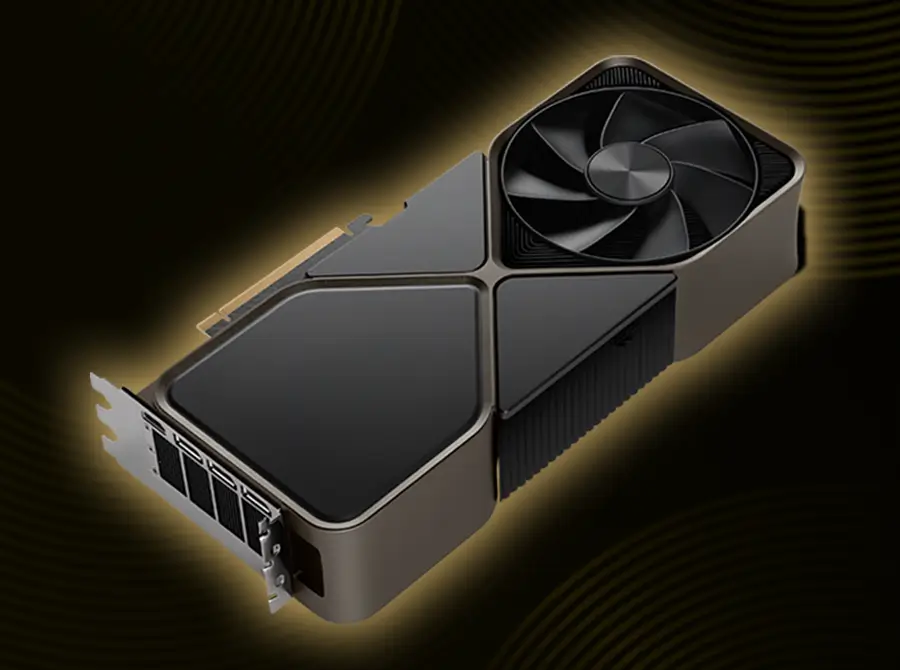
GPUs are increasingly relevant in forensic work, but they are often misunderstood. A capable GPU can dramatically accelerate certain tasks, including password and encryption workflows, video and image analysis, and emerging AI-assisted features. At the same time, many forensic tools remain largely CPU-centric and gain little benefit from high-end GPUs.
Overspending on GPU at the expense of CPU, RAM, or storage often results in an unbalanced system. The correct approach is to evaluate which tools actually use the GPU and how they scale, then select a GPU that supports those needs without creating bottlenecks elsewhere.
Storage Architecture Is Where Performance Is Won or Lost
Storage design is one of the most overlooked aspects of forensic workstation performance. Many forensic tools benefit significantly from separating workloads across multiple drives. A well-designed system often includes a dedicated operating system and application drive, separate evidence drives, and a dedicated cache or temporary processing drive.
This separation reduces I O contention and improves consistency during heavy processing tasks such as carving, indexing, and analysis. Simply adding more storage capacity without considering how it is used rarely improves performance.
RAID in Forensic Workstations
RAID can improve performance when used intentionally and for the correct purpose. RAIDing the operating system and applications can improve responsiveness, reduce I O bottlenecks, and improve overall system behavior under load. High-performance NVMe or U.2 RAID configurations, while expensive, can be very effective in lab-grade systems.
Large RAID arrays using spinning disks are well suited for internal storage, case staging, and holding forensic images. In many forensic workflows, active processing is performed on single high-speed SSD or NVMe drives, while RAID arrays provide capacity and resilience rather than raw processing speed.
RAID becomes problematic only when it is applied without understanding how forensic software accesses data or when processing is performed directly on inappropriate RAID configurations.
Planning for AI-Ready Workflows
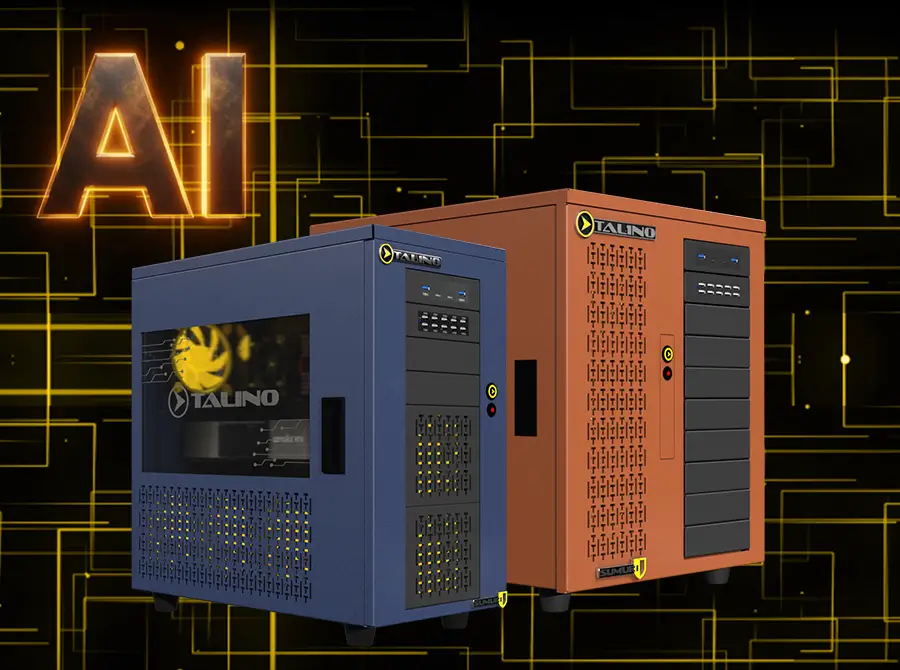
AI-assisted forensic features are becoming more common, but being AI-ready does not mean buying the most powerful GPU available today.
It means designing systems with adequate power delivery, cooling, memory capacity, and expansion options so that future workloads can be supported without rebuilding the entire system. A balanced platform with room to grow is often a better investment than chasing peak performance in one area.
Why Experience Matters When Buying a Forensic Workstation
This is where working with a forensic-focused builder becomes important. SUMURI designs TALINO systems based on years of collaboration with leading forensic software developers and continuous feedback from real-world casework.
SUMURI’s team includes CFCE-certified examiners and active practitioners who understand how forensic tools behave outside of controlled testing environments. Hardware decisions are driven by workflow, compatibility, and long-term reliability rather than theoretical benchmarks.
Final Thoughts for First-Time Buyers
Your forensic workstation is an investment in how effectively you can do your job.
The right system is not simply faster. It is more predictable, more stable under load, and better aligned with the tools and workflows you rely on every day. When hardware is designed around forensic reality, it becomes an asset rather than a limitation.