

And why timing matters more than you think
APFS snapshots are one of the most powerful and often misunderstood sources of evidence on a Mac. Most examiners are aware that snapshots exist, but far fewer fully appreciate how they impact what data is available, when it was available, and how that data should be collected.
The reality is that if snapshots are not handled correctly at the time of acquisition, critical evidence can be missed, especially when it comes to files that a user believes they have deleted.
What APFS Snapshots Actually Capture
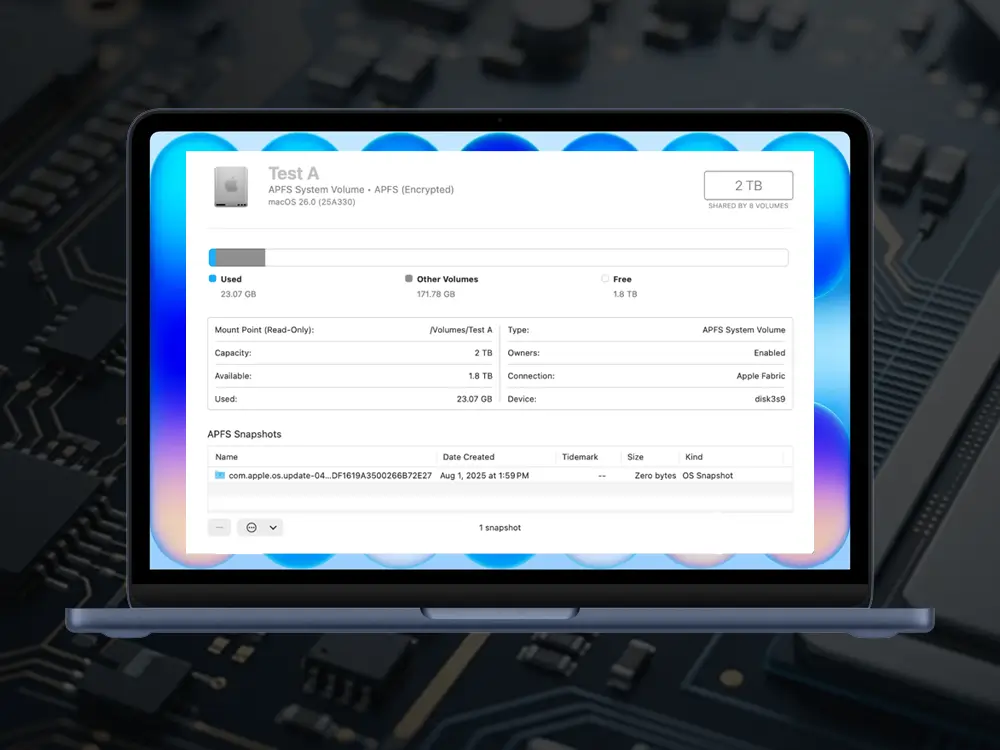
At a technical level, APFS snapshots are point-in-time representations of a volume. They capture the state of the filesystem at a specific moment, including files, metadata, and directory structure. Because APFS uses a copy-on-write design, snapshots are efficient and preserve historical states without duplicating all data.
What makes this especially important in real-world investigations is how macOS uses snapshots behind the scenes.
Hidden Evidence in Time Machine Snapshots
When a Time Machine backup disk is not connected, macOS does not simply stop protecting user data. Instead, it creates local Time Machine snapshots on the internal drive. These snapshots act as temporary backups, allowing the system to maintain restore points even without an external disk present.
From a forensic standpoint, this means a system may contain multiple historical versions of the filesystem that the user is completely unaware of.
A file that appears to be deleted from the live system may still exist in one or more local snapshots. A document that was modified may have prior versions preserved. Activity that no longer appears in the current state may still be recoverable if those snapshots are identified and examined properly.
Where Forensic Workflows Fall Short
This is where many forensic workflows begin to fall short.
Too often, snapshot analysis is treated as a post-processing step. An image is captured, then later mounted, and only then are snapshots identified and examined. In some cases, this relies on reverse engineering APFS structures or using tools that attempt to reconstruct snapshot behavior outside of macOS.
Limitations of Post-Processing Approaches
This approach has several drawbacks.
First, it assumes that all relevant snapshot data was preserved during acquisition. If snapshots were not properly identified or handled at that stage, opportunities may already be lost.
Second, post-analysis makes it harder to clearly align changes with a timeline. Identifying what was deleted, when it was deleted, and what existed before requires additional reconstruction work.
Third, reverse engineering introduces risk. As macOS continues to evolve, tools that are not operating natively may misinterpret structures or lag behind changes in how snapshots are implemented.
The result is often more work, more uncertainty, and potentially incomplete conclusions.
A more effective approach is to address snapshots at the time of imaging, using native mechanisms that understand how macOS actually manages them.
When handled natively, an examiner can see all available snapshots during acquisition, including local Time Machine snapshots that exist only because the backup disk was not present. This immediately provides context that would otherwise require reconstruction later. More importantly, it allows for smart differential analysis to occur at the start of the process rather than at the end.
Using Native Tools for Better Results
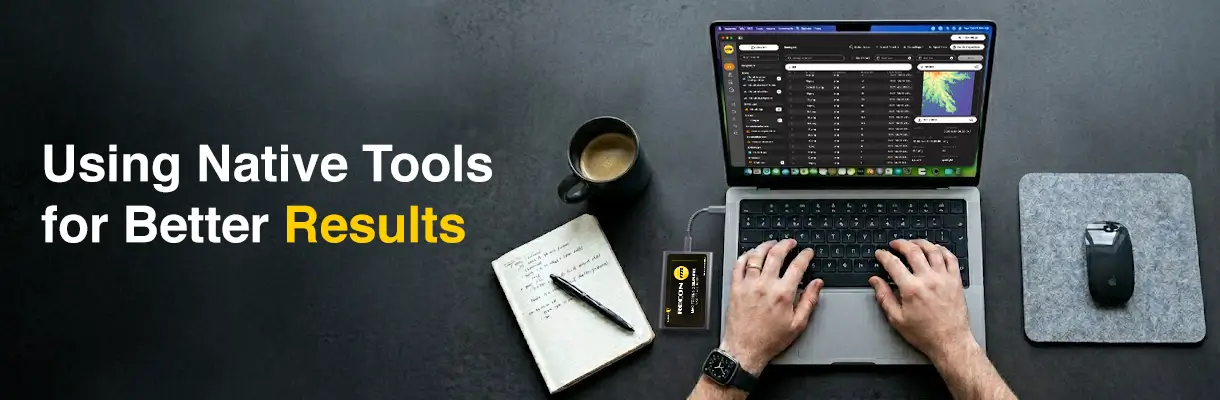
Using a native solution such as RECON ITR, an examiner can identify which snapshots fall within the relevant investigative timeframe, include those that matter, and exclude those that do not. Instead of collecting everything blindly, the acquisition can be aligned with the case from the beginning.
At that same stage, differences between snapshots and the current state can be evaluated. This makes it possible to immediately identify files that were deleted by the user, files that were modified, and files that existed at a prior point in time but are no longer present. This is a significant shift from traditional workflows.
Rather than imaging first and asking questions later, the examiner is able to understand the data as it is being collected. The relationship between past and present states is preserved in context, not reconstructed afterward.
This is particularly important in cases where user intent matters. Being able to show that a file existed in a snapshot but was removed from the live system can be far more meaningful than simply recovering an orphaned artifact without context.
Why Native macOS Understanding Matters
The distinction ultimately comes down to how closely the forensic process aligns with the operating system itself.
macOS was designed to manage snapshots in a specific way. When tools operate within that design, they can expose relationships between data points that would otherwise be difficult to see. When tools attempt to interpret those structures externally, they are often working from an incomplete picture.
APFS Snapshots Are a Forensic Timeline
APFS snapshots are not just a backup feature. They are a timeline. If you are only looking at the current state of the system, you are looking at the last page of the story. If you are relying on post-analysis to rebuild that story, you are working backward. But if you approach snapshots natively at the time of acquisition, you can see how that story unfolded in the first place. And in macOS forensics, that difference matters.